
Welcome to WhoseDev
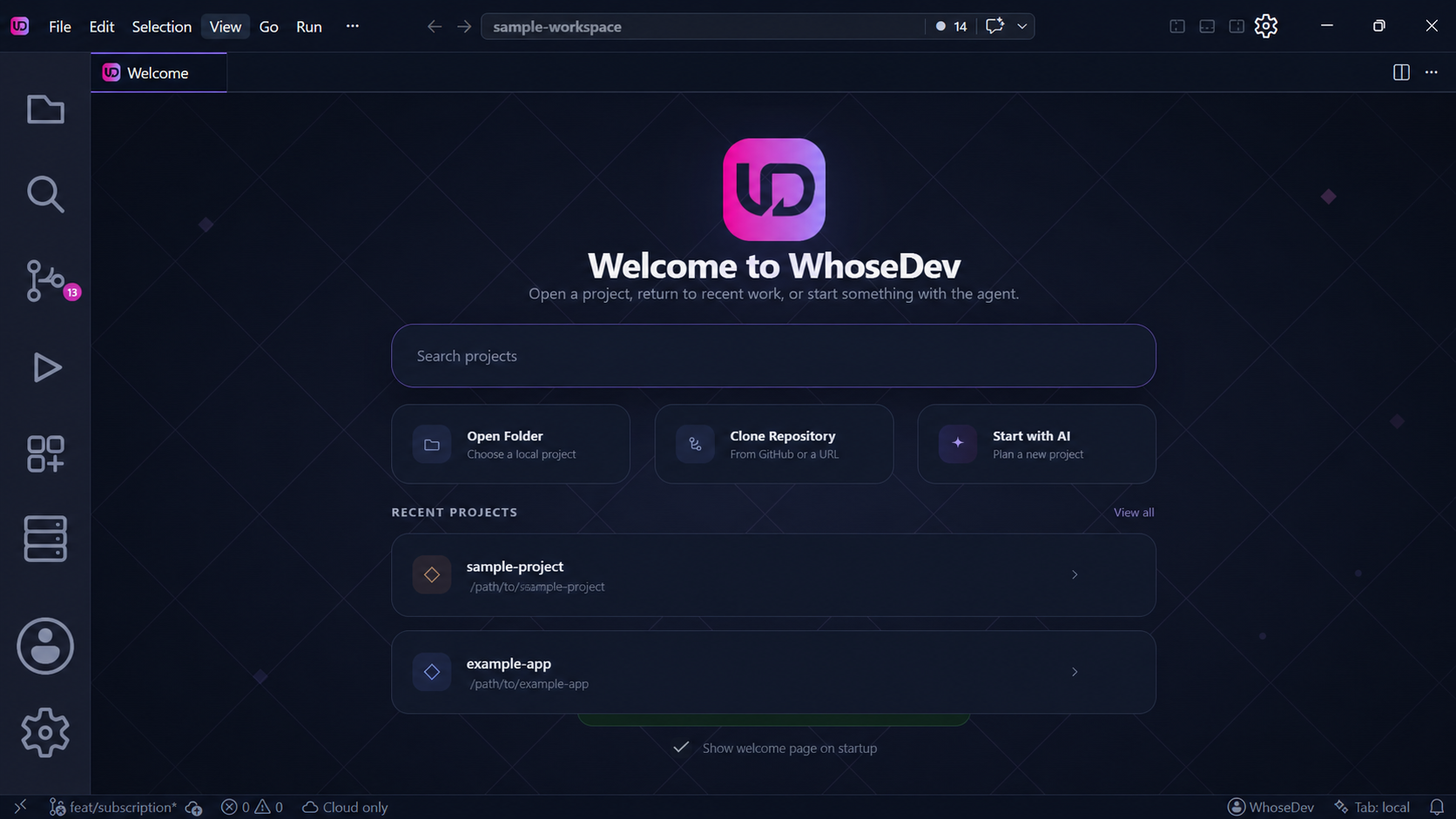
WhoseDev is a code editor for planning, building, and debugging software with AI assistance. It is built on a familiar editor foundation and gives you a choice of managed cloud models, your own provider, or local Ollama models.
Start here
Section titled “Start here”Install WhoseDevDownload the editor and complete the first-run setup.Set up your first workspaceOpen a project, understand the workbench, and choose an AI route.Meet the AgentLearn how Ask, Plan, and Act modes work and what tools the agent can use.Open AI SettingsConfigure models, providers, local AI, routing, and privacy.Choose a model routeCompare managed, direct-provider, and local AI.
What you can do
Section titled “What you can do”| Goal | Where to start |
|---|---|
| Understand an unfamiliar codebase | Ask mode or Agent overview |
| Plan a multi-file change before coding | Planning workflow |
| Ship a change with tools and terminal access | Act mode |
| Rewrite code at the cursor | Inline editing |
| Get suggestions as you type | Tab completions |
| Teach the agent your project conventions | Customize WhoseDev |
| Connect external tools and data | MCP servers |
| Run the agent from a terminal | WhoseDev CLI |
| Configure models and providers | AI Settings |
| Check remaining managed credits | Plans and billing |
| Set up local Ollama models | Local AI and Offline Models |
Editor foundation
Section titled “Editor foundation”WhoseDev includes the surfaces you expect from a modern code editor: files, search, source control, terminals, debugging, and extensions from the Open VSX gallery. See Editor basics and Extensions.
Account and teams
Section titled “Account and teams”Sign in to use WhoseDev-managed models and your account quota. Teams can share workspaces, manage members, and set AI budgets. See Sign in, Plans and billing, and Teams and workspaces.
Note: Available models and capabilities depend on your account, workspace, selected route, and local setup.