
Choose an AI model and route
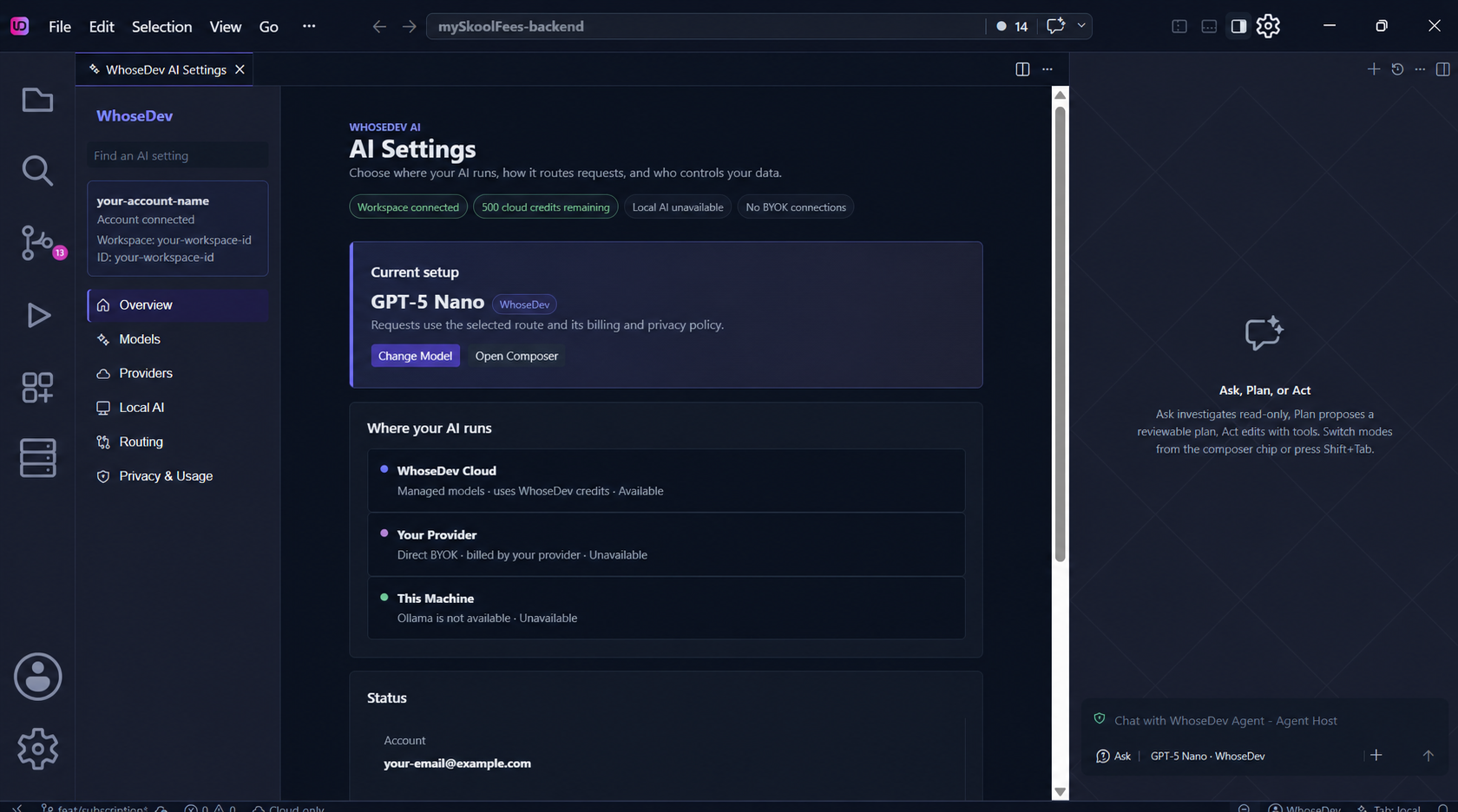
Open WhoseDev AI Settings (WhoseDev: Open AI Hub) to view available models, providers, local setup, routing, and privacy controls. See the dedicated AI Settings guide for a section-by-section walkthrough.
Choose the right route
Section titled “Choose the right route”| Route | Requests go to | Billing owner | When to choose it |
|---|---|---|---|
| WhoseDev Cloud | WhoseDev-managed infrastructure | WhoseDev credits | You want a managed model experience. |
| Direct BYOK | Your configured provider | Your provider account | You want to use a provider account and its controls directly. |
| Ollama / Local | Your local Ollama runtime | Your local environment | You want inference to stay on this machine. |
Note: WhoseDev does not silently fall back from local Ask, Plan, or Act sessions to a cloud model. Inline completions can use cloud fallback only when you explicitly allow it in settings.
Use WhoseDev Cloud
Section titled “Use WhoseDev Cloud”Sign in, open a WhoseDev workspace (account context, not only a project folder), then select an available managed model in AI Settings or the chat model picker. Availability depends on your plan, quota, and workspace policy. Models can appear as available, requiring another plan, blocked by workspace policy, or unsupported in this environment.
Set routing preferences
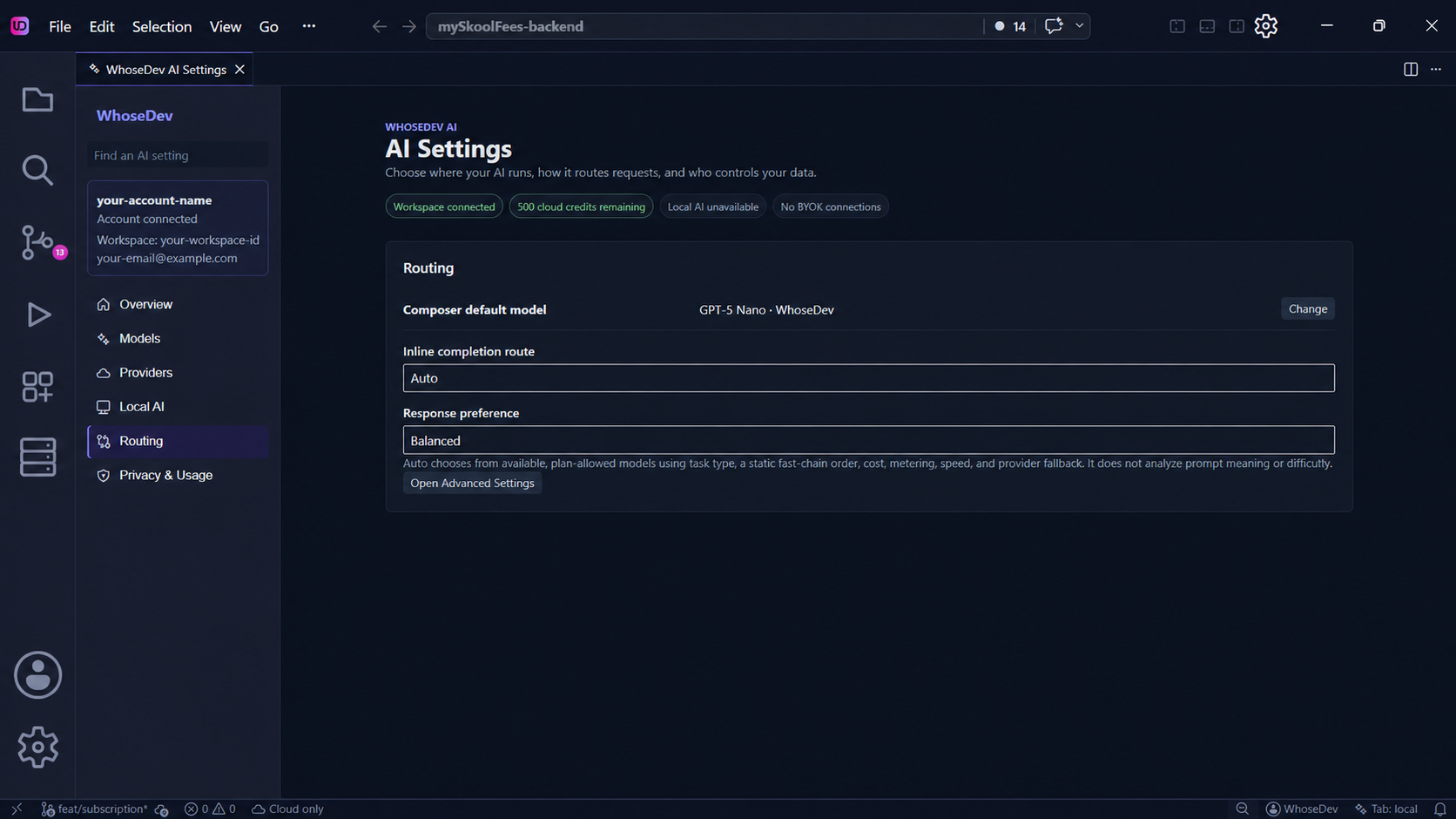
Section titled “Set routing preferences”The Routing section lets you choose the inline completion route and response preference. Start with Auto and Balanced unless your privacy, speed, or local-model requirements call for a specific route.
Connect your own provider
Section titled “Connect your own provider”In AI Settings, open Bring Your Own Provider, select a provider, and add a connection. WhoseDev supports OpenAI, Anthropic, OpenRouter, Google Gemini, and Azure OpenAI. See Bring your own provider for per-provider fields and Bedrock limitations.
Your provider key is stored securely on this device. Direct-provider requests go to the provider you configure; that provider controls billing and retention under your account.
Run a local model with Ollama
Section titled “Run a local model with Ollama”- Open the Command Palette and run WhoseDev: Manage Offline Models.
- Let WhoseDev download the official Ollama runtime, or install Ollama yourself.
- Pull or select a compatible local model.
- In AI Settings, choose the local route for the feature you want to use.
The in-app installer keeps Ollama private to WhoseDev and does not add ollama to your shell PATH. See Local AI and Offline Models for the full wizard, qualification tiers, and Ollama settings. If WhoseDev cannot reach Ollama, see Troubleshooting.